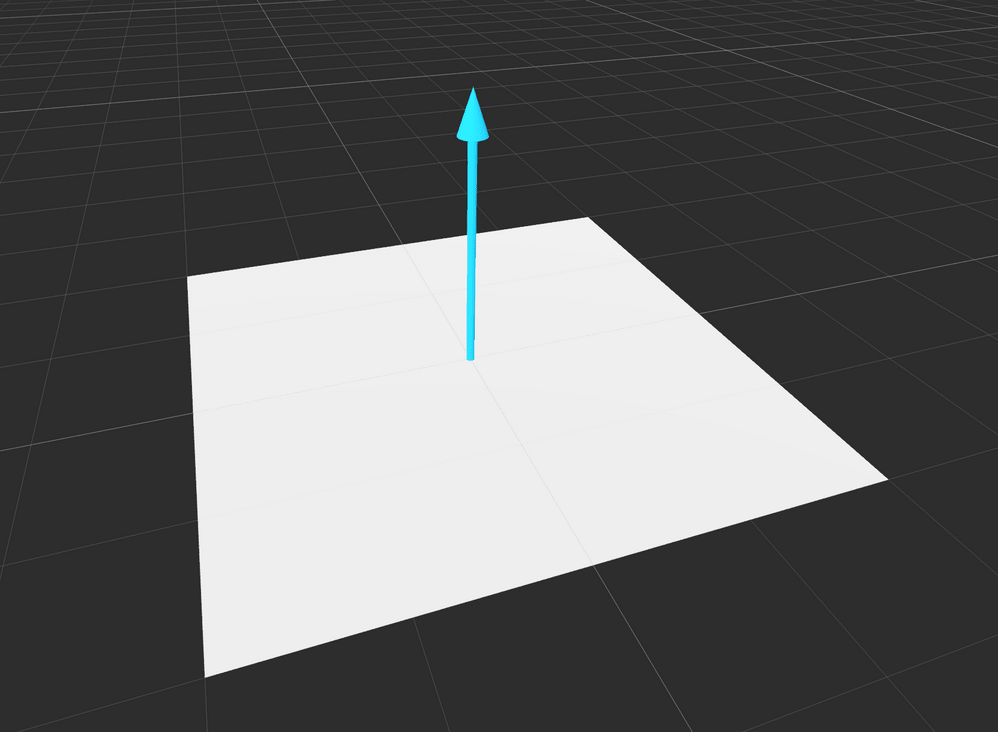
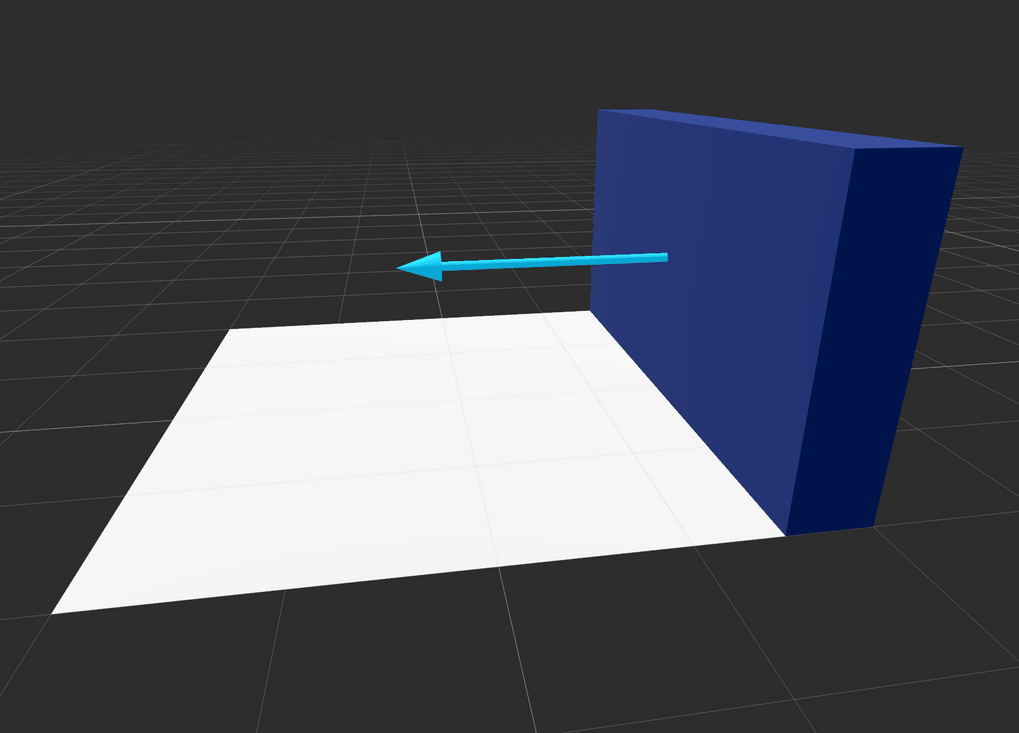
A normal or normal vector is a vector that represents the direction perpendicular to a surface. Think of it as an arrow pointing directly outward from an object's surface at a 90-degree angle to it. In games, normal vectors help determine how light interacts with surfaces or how objects collide.
If you think of the ground plane, the normal vector points straight up, perpendicular to the plane.
For a vertical wall, the normal would point straight out from the wall.
You can use normal vectors in various ways in game development:
To find where the mouse cursor points in a 3D game environment.
To calculate how light interacts with a 3D model in shaders.
To determine how objects get pulled off each other when collisions occur in a physics simulation.
To reflect or bounce objects off surfaces.
And more.
Projecting the mouse cursor to a 3D world
When you want to know where the mouse cursor points in a 3D game environment, you can use the normal vector of the camera and a RayCast3DRayCast3D node to detect what the mouse is pointing at. Here's an example of how you can do this in Godot:
var camera: Camera3D =%Camera3Dvar raycast: RayCast3D =%RayCast3Dfunc_physics_process(delta:float)->void:constPROJECT_RAY_LENGTH:=40.0# Get the mouse position relative to the top-left corner of the viewport.var mouse_position_2d :=get_viewport().get_mouse_position()# Project a ray from the camera to the mouse position using the camera's normal.var mouse_ray :=PROJECT_RAY_LENGTH* camera.project_ray_normal(mouse_position_2d)
raycast.cast_to = mouse_ray
if raycast.is_colliding():# This is the point in 3D space the mouse is pointing at.var collision_point := raycast.get_collision_point()
Getting the normal vector when a collision occurs
When two objects collide, you can get the normal vector of the collision to determine how the objects should react. When a collision occurs, Godot provides you with a KinematicCollision2DKinematicCollision2D or KinematicCollision3DKinematicCollision3D object, depending on whether you're working in 2D or 3D. This object contains information about the collision, including the normal vector.
For example, when calling CharacterBody3D.move_and_collide() in 3D, you can get the normal vector like this: