Make Games with Godot: Beginner Edition
2026/04/12
- Type
- Learning Resource
- Format
- Study Guide
- Version
- Godot 4.x
- Subject Tags
- Code
- MIT
- Game Assets
- CC BY-NC-SA
- All else
- 2016-2026, GDQuest© - All rights reserved
- Created
- Updated
- 2019/11/06
- 2026/04/12
If you want to learn to make games with Godot but don't know where to start, this guide is for you. There are a lot of free tutorials and resources out there, and it can be hard to know which ones to follow and in what order.
This is a free learning path that takes you from zero to completing your first games. We'll start by covering what Godot is and what to expect from the learning process, then get into the resources.
Godot is a free and open-source 2D and 3D game engine with a fully-fledged editor. Unlike other popular engines of its kind, it has no revenue share, no subscription fee, and is free to use in any circumstance, including commercial projects. It is licensed under the MIT license and funded by community donations, sponsors, and led by a non-profit, the Godot Foundation.
If you are not sure yet whether Godot is the right engine for you, this video covers Godot's capabilities, its ecosystem, and who it is a good fit for:
Once you have decided to try Godot, the next question most beginners have is which programming language to use. Godot officially supports GDScript, C#, and C++.
For beginners, GDScript is almost always the right choice: it is designed specifically for Godot, it's easy to learn, and it's what most of the learning material in this guide uses. The video below explains the differences if you want to understand the available options.
With Godot chosen and the language question out of the way, here is what the learning process actually looks like.
Game creation takes time and effort to learn. Your first game will not be your dream project, and that is completely normal. Every developer starts by making small, simple things, and those early projects are where most of the learning happens.
The learning curve can be steep at first because game creation involves multiple skills and everything is new at once. But if you can learn to enjoy the process, the craft becomes more satisfying the further you go. There is a point, after enough practice, where you stop feeling stuck all the time and start feeling capable. Getting there takes patience and consistency, not any special talent.
This guide will give you a solid start, but shipping a large, polished game takes much more than introductory material. That is true for everyone, and it is worth being honest about it upfront.
If your dream game is something like a small RPG or a platformer, that is very achievable if you put in the time. If it is something like a large open-world game or an MMORPG, those are the kinds of projects that take years of work from entire teams. They are simply beyond what a single beginner can take on directly.
The path forward is to start small and finish things. Completing a small game, even a game jam entry, is a real achievement that you can share and be proud of. Each finished project teaches you things the next one builds on, and that is how the craft grows.
If you have little or no programming experience, start with our guide Become a Game Developer: How to Learn to Code. It explains what programming foundations you need before diving into a game engine, and points you to the right resources to build them.
The resources below follow a hands-on approach: you will be making actual games from early on, which is the most direct way to learn. We have also included a few resources that cover theory where it helps you understand what you are doing and why.
This free and open-source interactive course, Learn GDScript From Zero, teaches you coding foundations with exercises you can do right in your browser. It is up-to-date for Godot 4 and is the best starting point for your learning path.
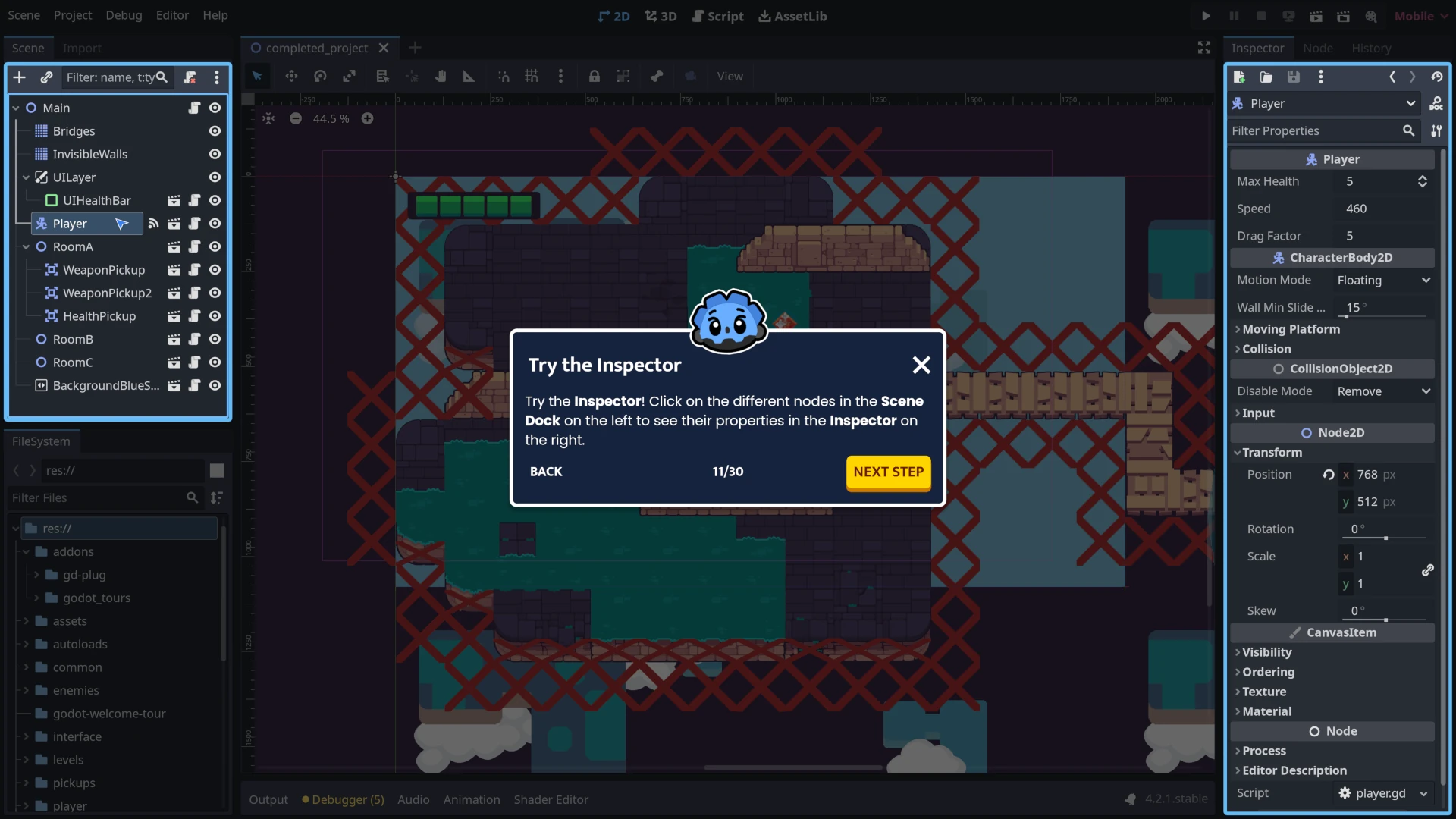
This free interactive tour, Godot Tours 101 - The Godot Editor, runs directly inside the Godot editor and is a great way to get familiar with the interface before writing any code.
In this free tutorial, Create your first complete 2D game in Godot 4, you will build your first complete game from zero with Godot 4.
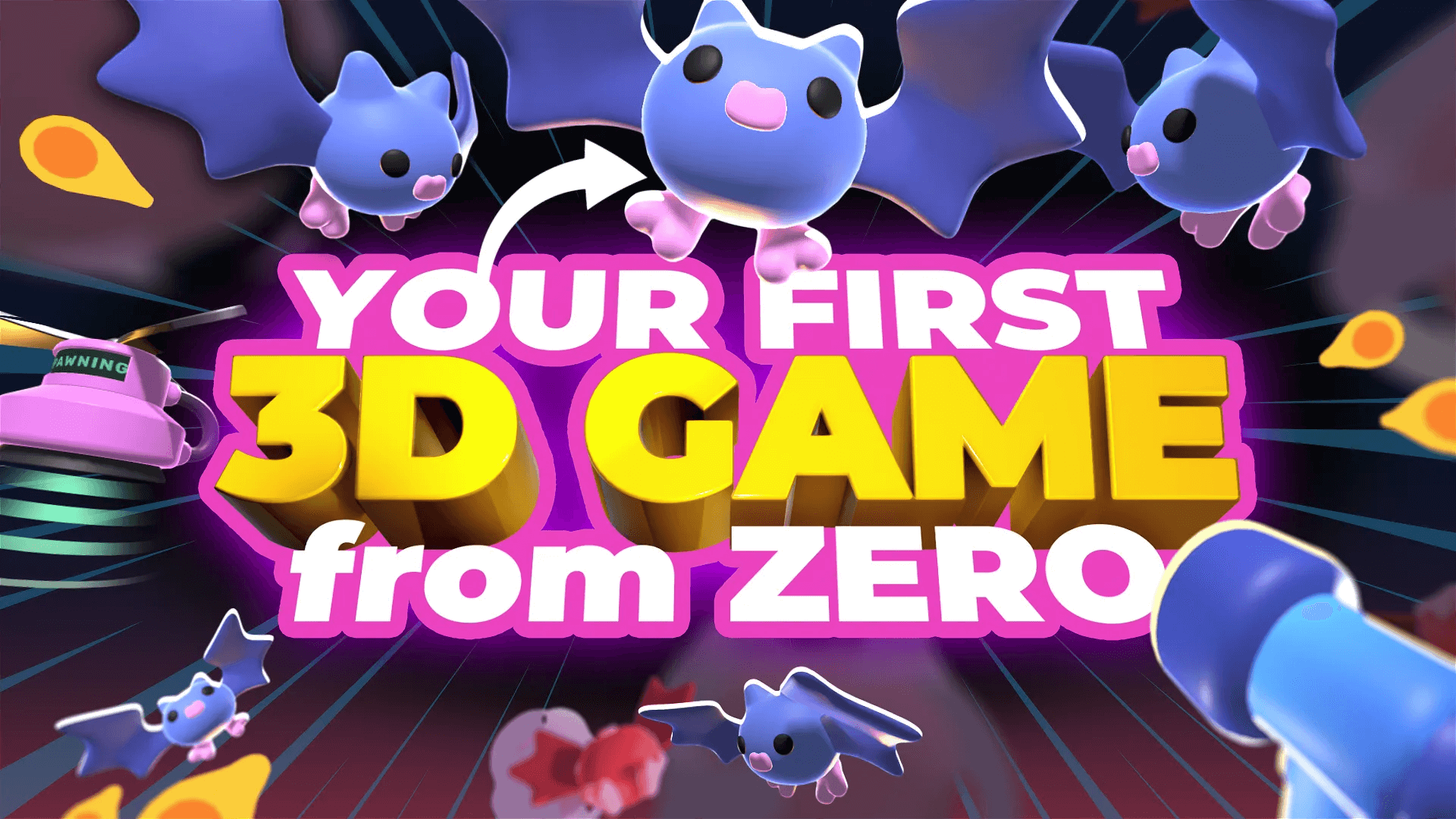
Once you have finished the 2D game, this follow-up tutorial, Your first 3D game with Godot 4, takes you further. You will build a 3D arena FPS survival game and learn how Godot's 3D tools work along the way.
There comes a point where following step-by-step tutorials is no longer enough to grow. Most of the real learning happens when you experiment on your own. For every tutorial you follow, try to spend time adding new mechanics or changing things in your project without being guided.
The goal is to get to a point where you can make your own games, and no tutorial will do that for you. Only practice will.

The resources below go a little deeper into game design and development, to give you some context beyond the technical side:
This YouTube playlist, Game Design Tutorial, has beginner-friendly examples of how to get started on small game creation from a designer point of view.
This video, Basic Principles of Game Design, goes through high-level ideas on how to think about what makes a game engaging and fun, and how to structure your work around those ideas.
This video series by Riot Games, So, You Wanna Make Games, introduces you to some of the key art-related roles in the game industry.
Once you have worked through the material above, here are some resources to keep you moving. Game development draws on a wide range of skills, and the following give you a look at a few of them:
For shaders, The Book of Shaders is one of the best free resources available. Shaders are small programs that manipulate your game's visuals in real time, and this book explains how they work and what you can do with them.
Note that the book is still incomplete at the time of writing, but what is there is well worth reading.
For the maths side of things, Godot's Introduction to Math for Game Developers covers the kind of maths you will use most often in your games, starting with vectors.
If you're allergic to mathematics, you should still give it a read! The approach is different from the way you probably learned at school.
The free resources in this guide will get you started. If you want an extensive structured learning path that takes you from writing your first script to building games entirely on your own, that is what Learn 2D Gamedev From Zero and Learn 3D Gamedev From Zero are for.
Don't stop here. Step-by-step tutorials are fun but they only take you so far.
Try one of our proven study programs to become an independent Gamedev truly capable of realizing the games you’ve always wanted to make.


Get help from peers and pros on GDQuest's Discord server!
20,000 membersJoin ServerThere are multiple ways you can join our effort to create free and open source gamedev resources that are accessible to everyone!
Sponsor this library by learning gamedev with us onGDSchool
Learn MoreImprove and build on assets or suggest edits onGithub
Contributeshare this page and talk about GDQUest onRedditYoutubeTwitter…
Site in BETA!found a bug?